
Start the dayknowing what’s due
Ask what’s due today, which client still owes you money or how much cash you expect this month.

Daily assistant
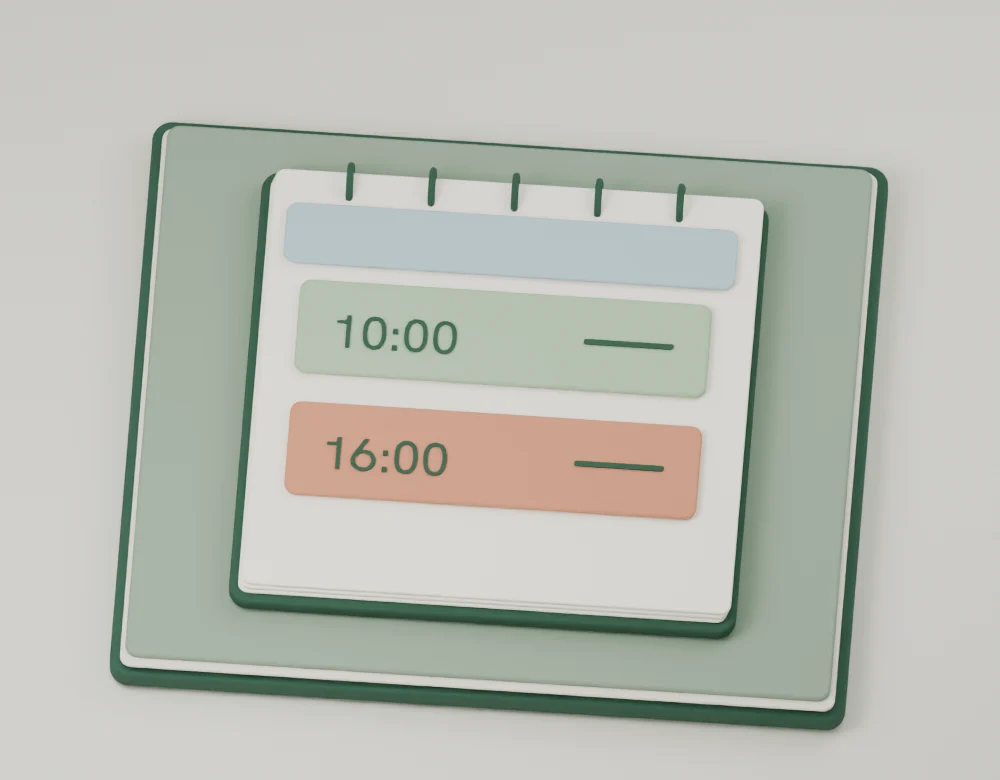
See what’s on before you head out
A rehearsal at ten and a cut due at four. See the dates saved in your projects together, without pulling up each brief.
Today · Rehearsal10:00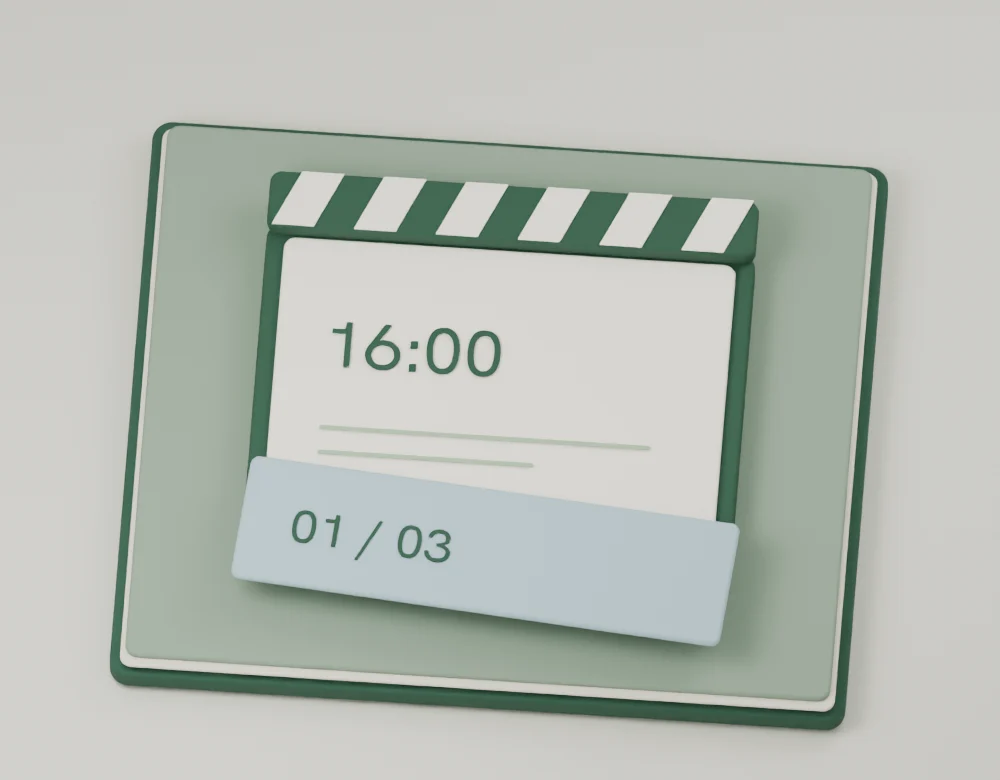
Open the project from a reminder
Open the project from the reminder. Check the agreed delivery time and the client’s notes before you send the cut.
First edit16:00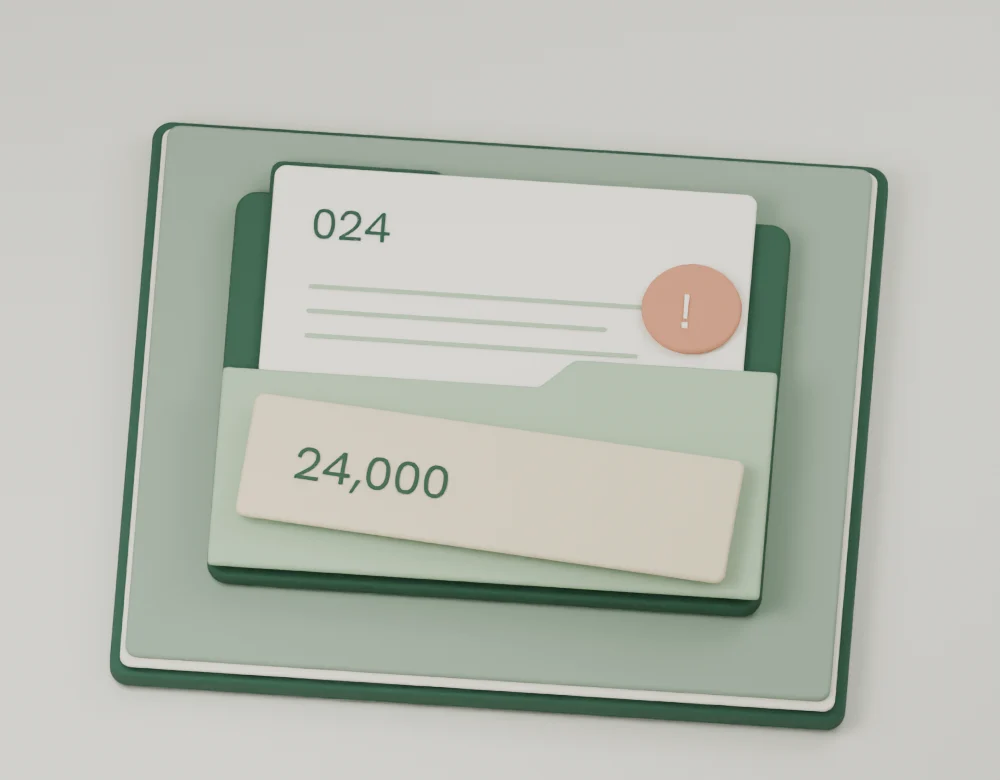
Ask which payment needs a follow-up
Ask about an unpaid fee. Use the project record to check the amount and due date before preparing your reply.
Brand film · Balance dueNT$24,000
The details behind every reminder
Open the project behind a reminder to check the deadline, fee or client’s notes. Ask the assistant to analyze cash flow using recorded receivables and payables.
Explore the demo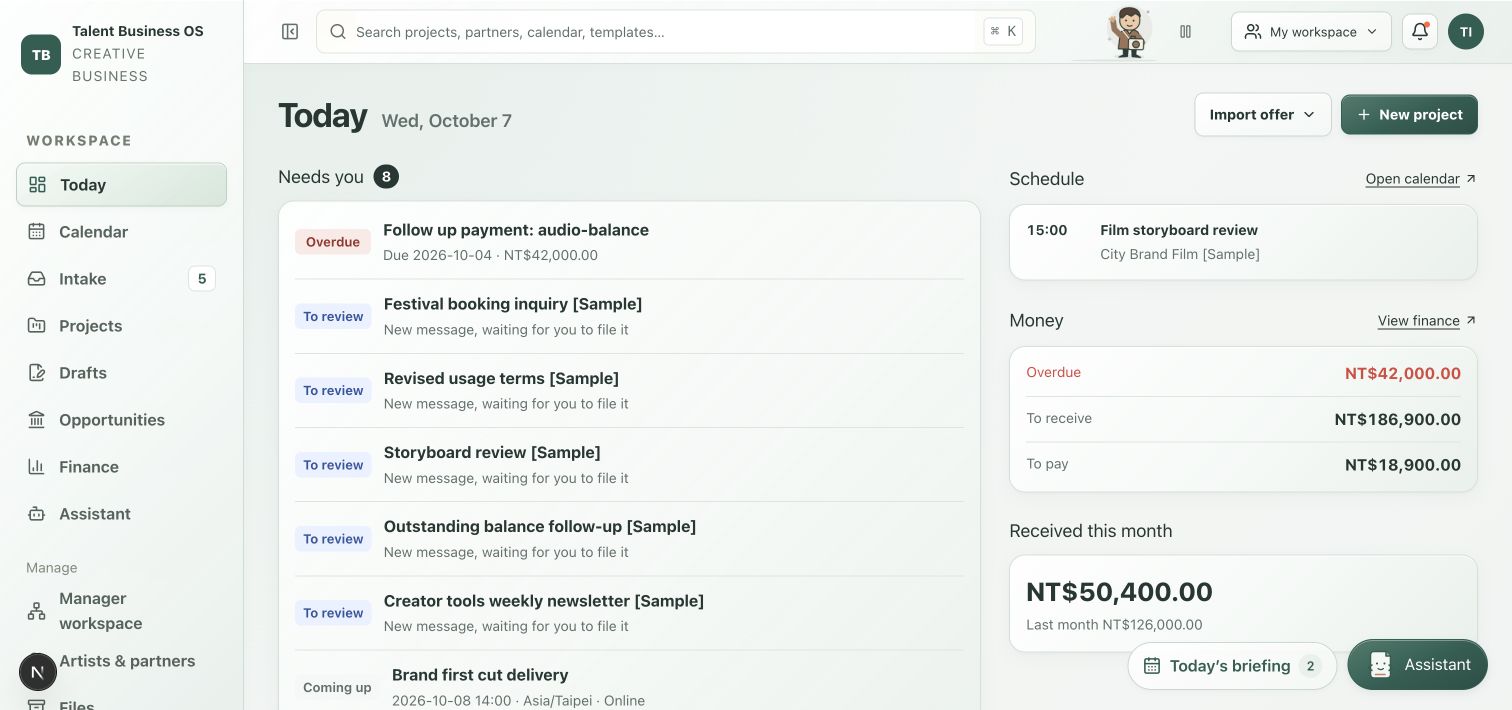
Features
Ask your assistant what needs attention
Ask about delivery dates, unpaid fees or contract terms, then open the related project to check the details.
Know what is due today
See upcoming events, overdue tasks, billing dates and unpaid balances. Open the record, mark a notice read or snooze it for later.
Track the work before it is due
Track the offer, planned work, signed project and completion. Give preparation, delivery and acceptance their own tasks and dates.
Plan shoots, shows and delivery dates
View schedules and tasks by day, week or month. Keep event time zones explicit, including work with people in other regions.
Google Calendar and calendar feeds
Sync project dates with a dedicated Google Calendar, or view other calendars in read-only mode. You can also subscribe to your dates in a compatible calendar app.